

Sep 10, 2026
You can now create short, narrated Explainer Videos directly in Hyperframe.
Using our footage library and your brand kit, Hyperframe helps you quickly turn your ideas into engaging, on-brand videos.
Once generated, you can edit the narration line by line, add styled on-screen text and fine-tune your video before downloading it as an MP4 in a range of sizes.
Ready to use in presentations, on social media, across your website or wherever you need it.
Sep 10, 2026
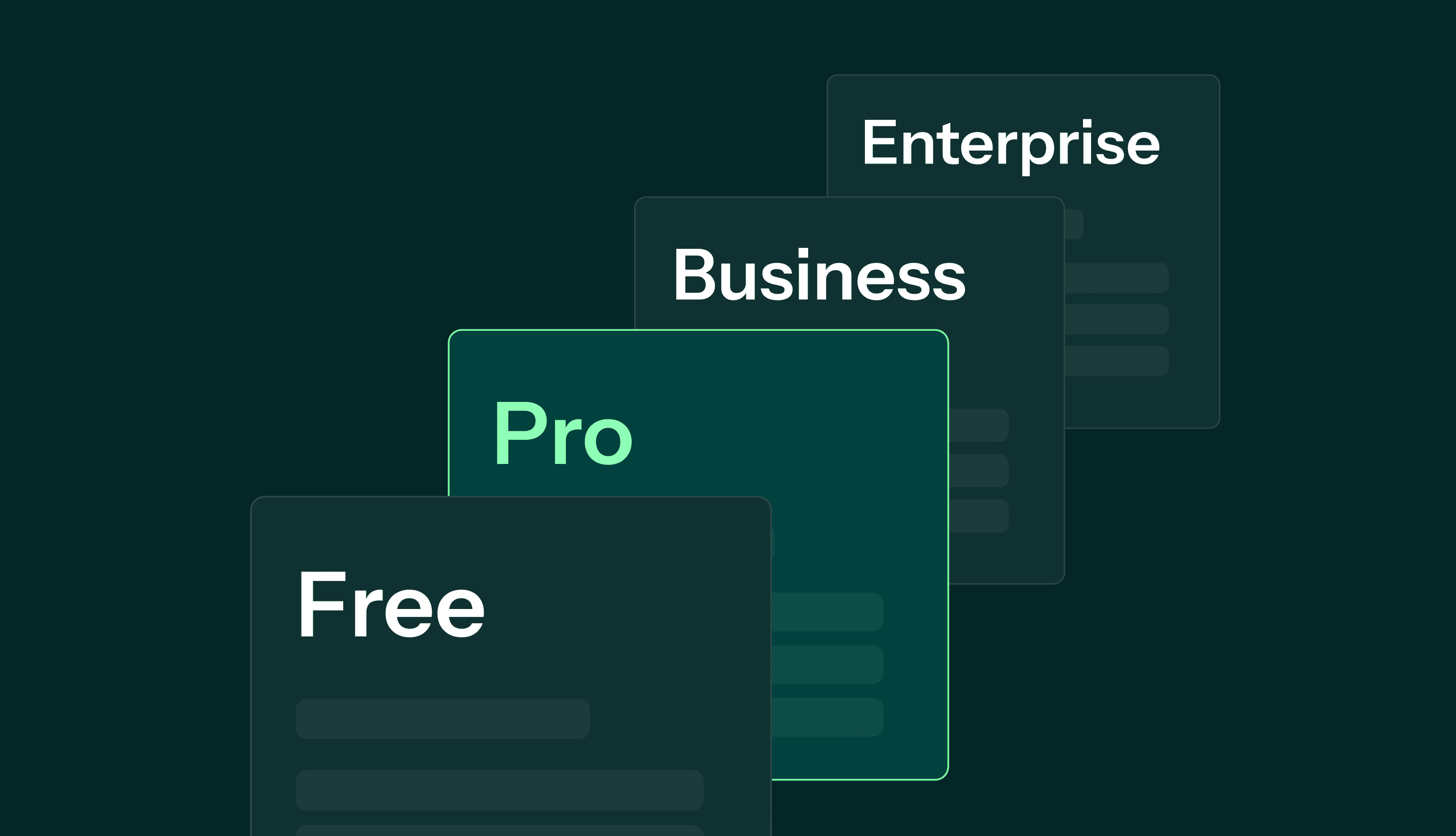
We’ve introduced four new plans - Free, Pro, Business and Enterprise - giving you more flexibility to use Hyperframe in the way that works for you.
Whether you’re creating the occasional video, producing content regularly or rolling Hyperframe out across your organisation, there’s now a plan to match.
Get more video generations, custom themes, downloads and custom assets as you grow.
Explore the new plans and find the right one for you.
Sep 10, 2026
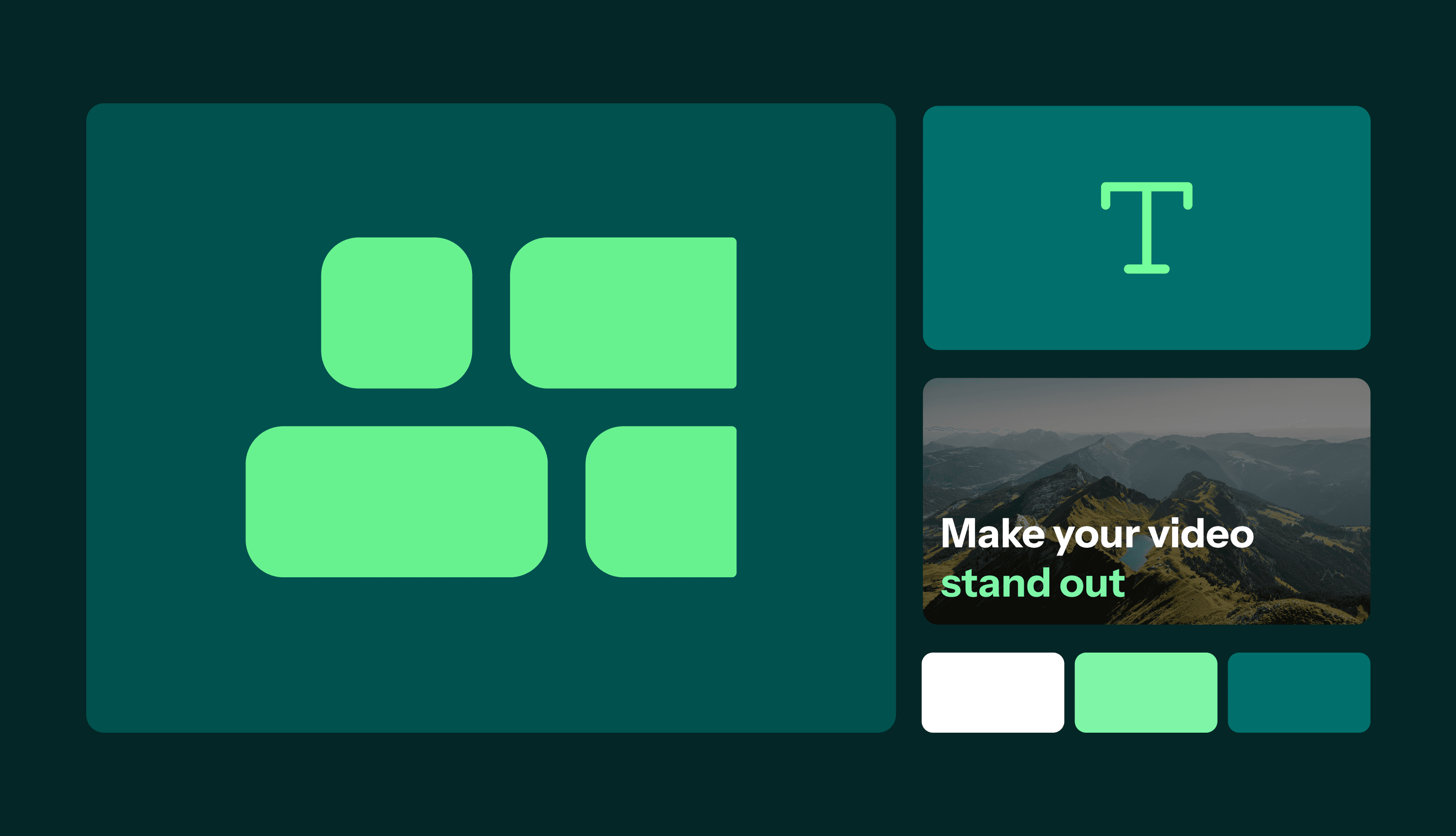
You can now create a custom Hyperframe theme directly from your website.
Simply enter your website URL into the Theme Creator, and Hyperframe will automatically find your logo, brand colours and fonts to create a theme that matches your brand.
From there, you can edit your theme and make any tweaks until everything looks exactly how you want it.
Once you're happy, your theme is ready to use across your Hyperframe videos — making it easy to create consistent, on-brand content in minutes.
Head to the Theme Creator to create yours.
May 7, 2026
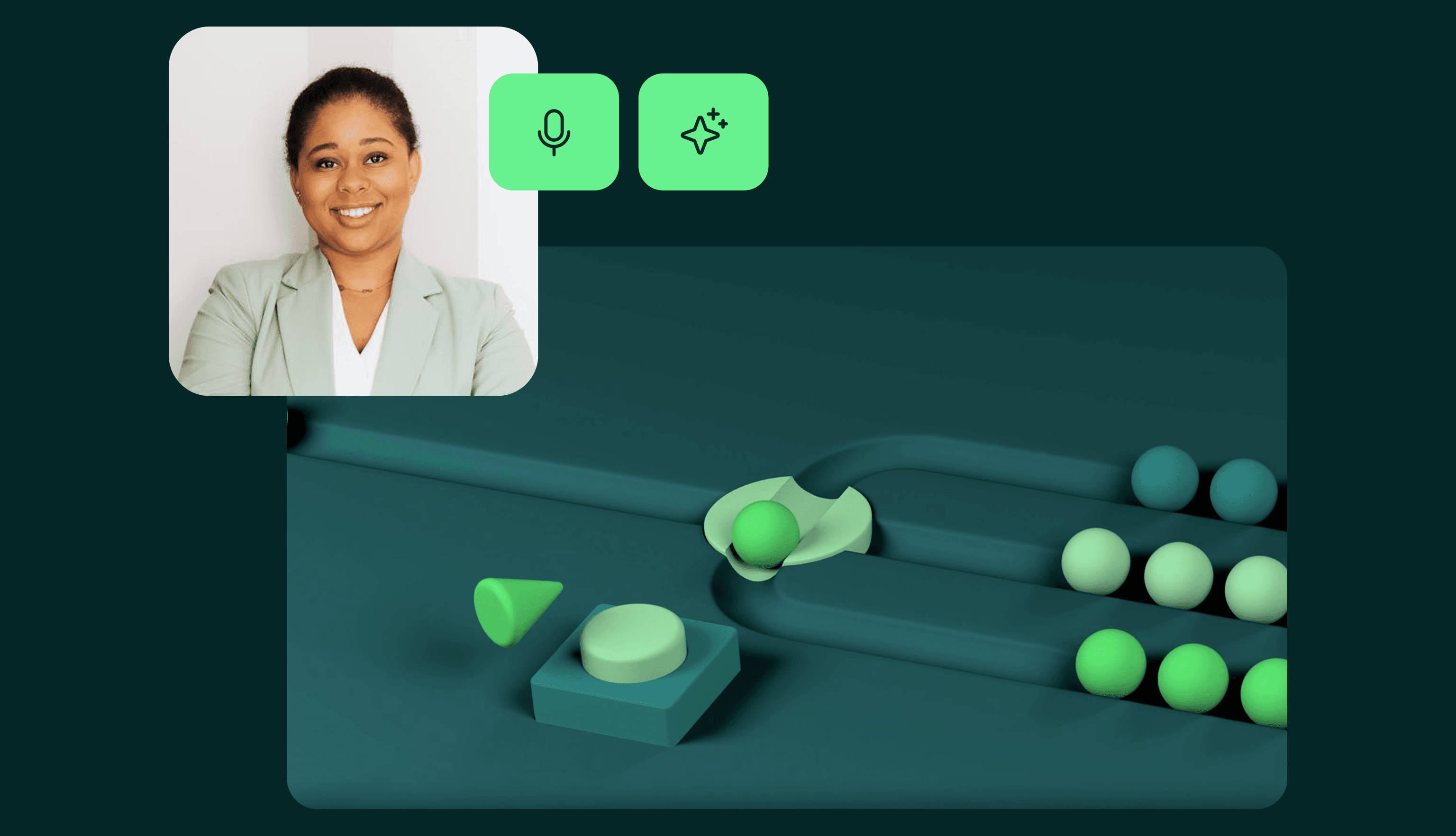
You can now add AI-generated audio narration to your Hyperframes in just a few clicks.
With AI Audio Narration, you can:
Choose from a range of natural-sounding AI voices
Automatically generate voiceovers for your script
Guide viewers through your video with clear, consistent narration
This allows you to create polished, professional presentations - without the need for manual recording or editing.
Apr 23, 2026
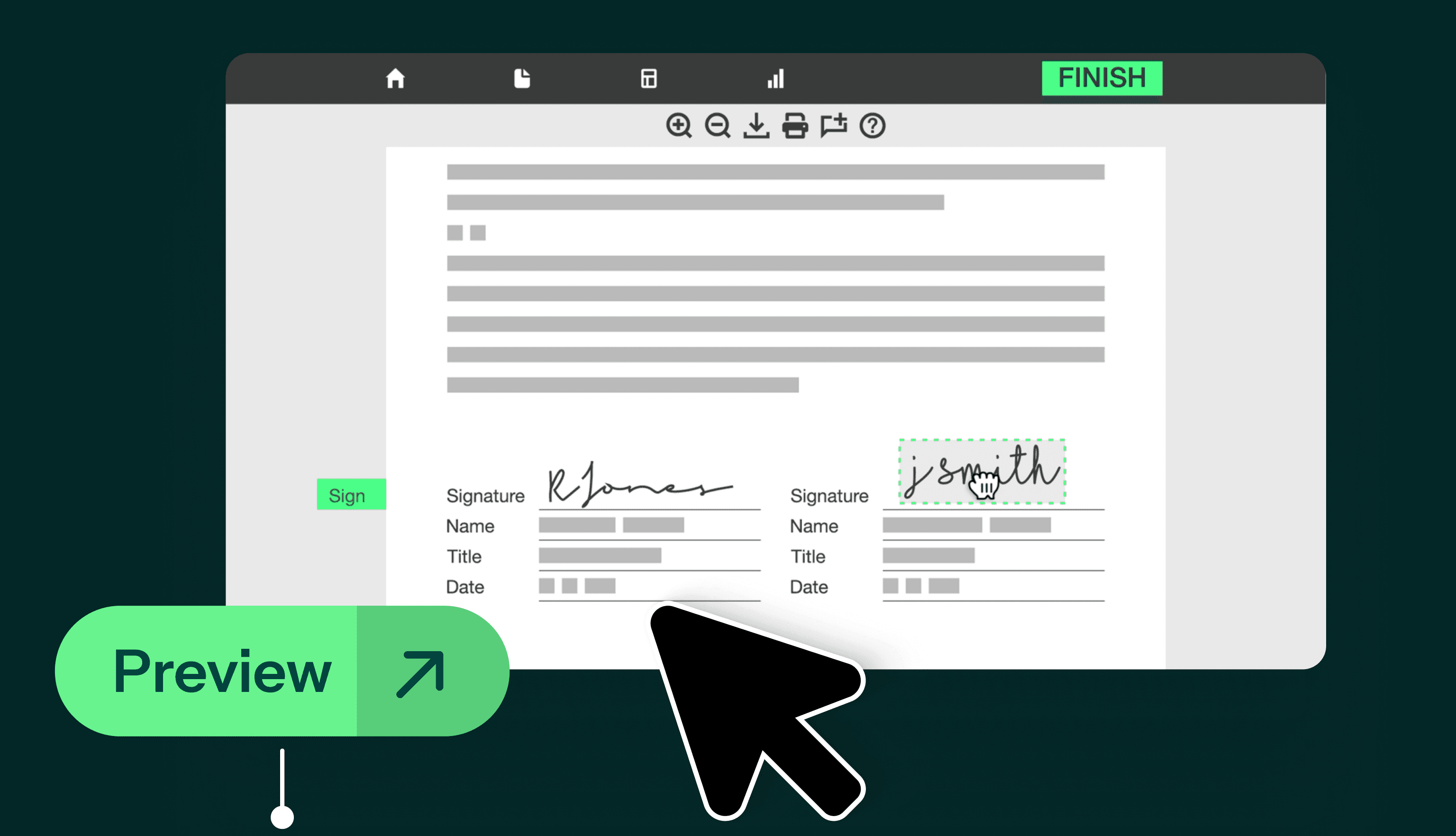
You can now enrich your scenes with Resources, enabling you to share additional information without interrupting the flow of your video.
Resources allow you to:
Embed supporting videos or content directly into a scene
Provide deeper insight into a product, service or concept
Keep your main narrative clean while offering optional detail
Simply attach a Resource to a Label, select your content and it will be seamlessly integrated into your scene.
Apr 23, 2026
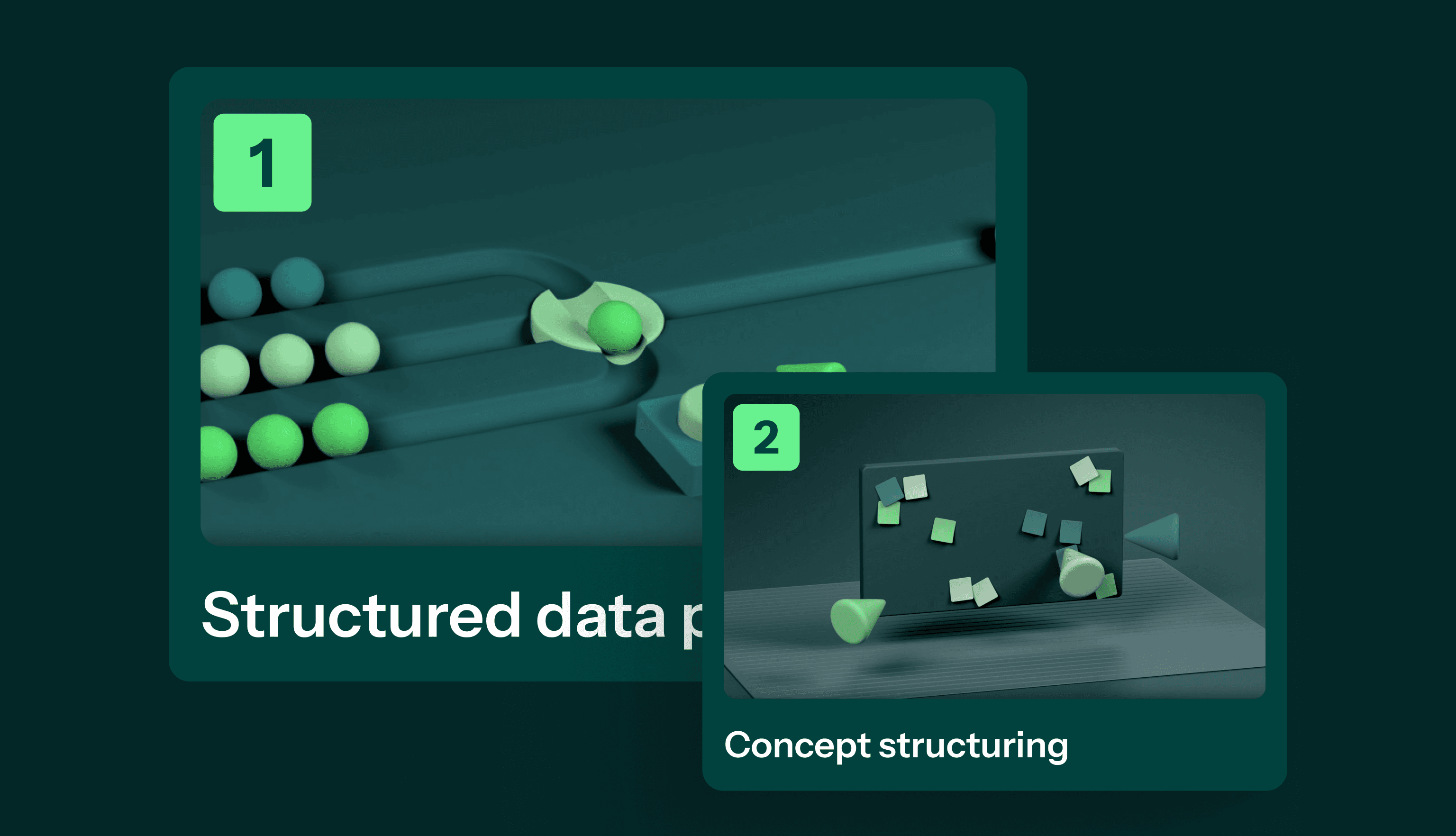
Introducing the new Navigation Scene, designed to give your viewers more control over how they explore your content.
With Navigation, you can:
Create up to 8 chapters within your Hyperframe
Allow viewers to jump directly to specific sections
Make longer or more complex videos easier to navigate
This is a powerful way to improve engagement, especially when presenting detailed services or multi-step processes.
Apr 23, 2026
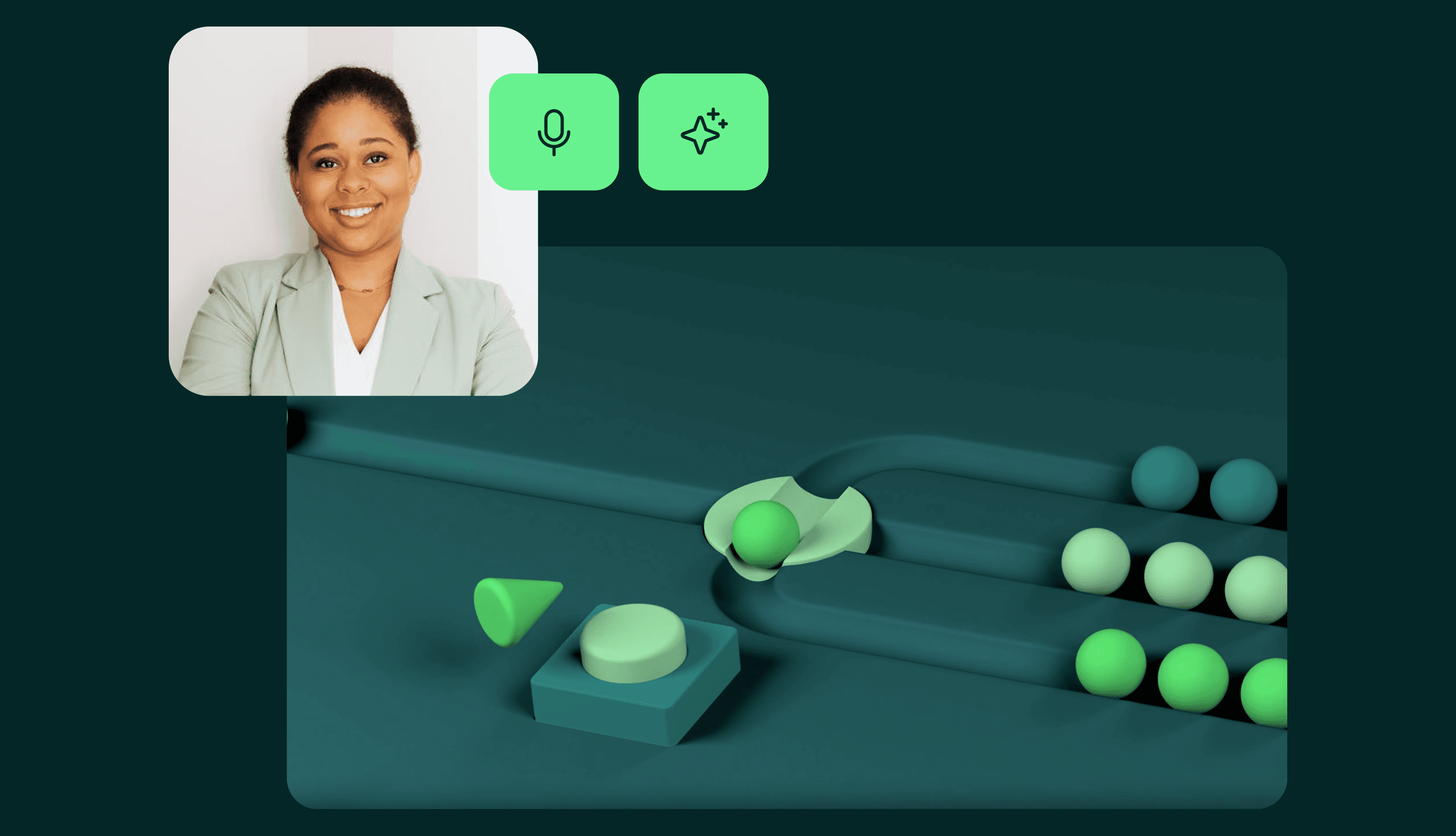
Take your storytelling a step further with AI Avatar Narration.
You can now:
Select from a variety of AI avatars to present your content
Have your script delivered visually and verbally within your video
Create a more engaging, human-led viewing experience
AI Avatars help add personality and presence to your Hyperframes - making your message more compelling and easier to follow.
Apr 21, 2026
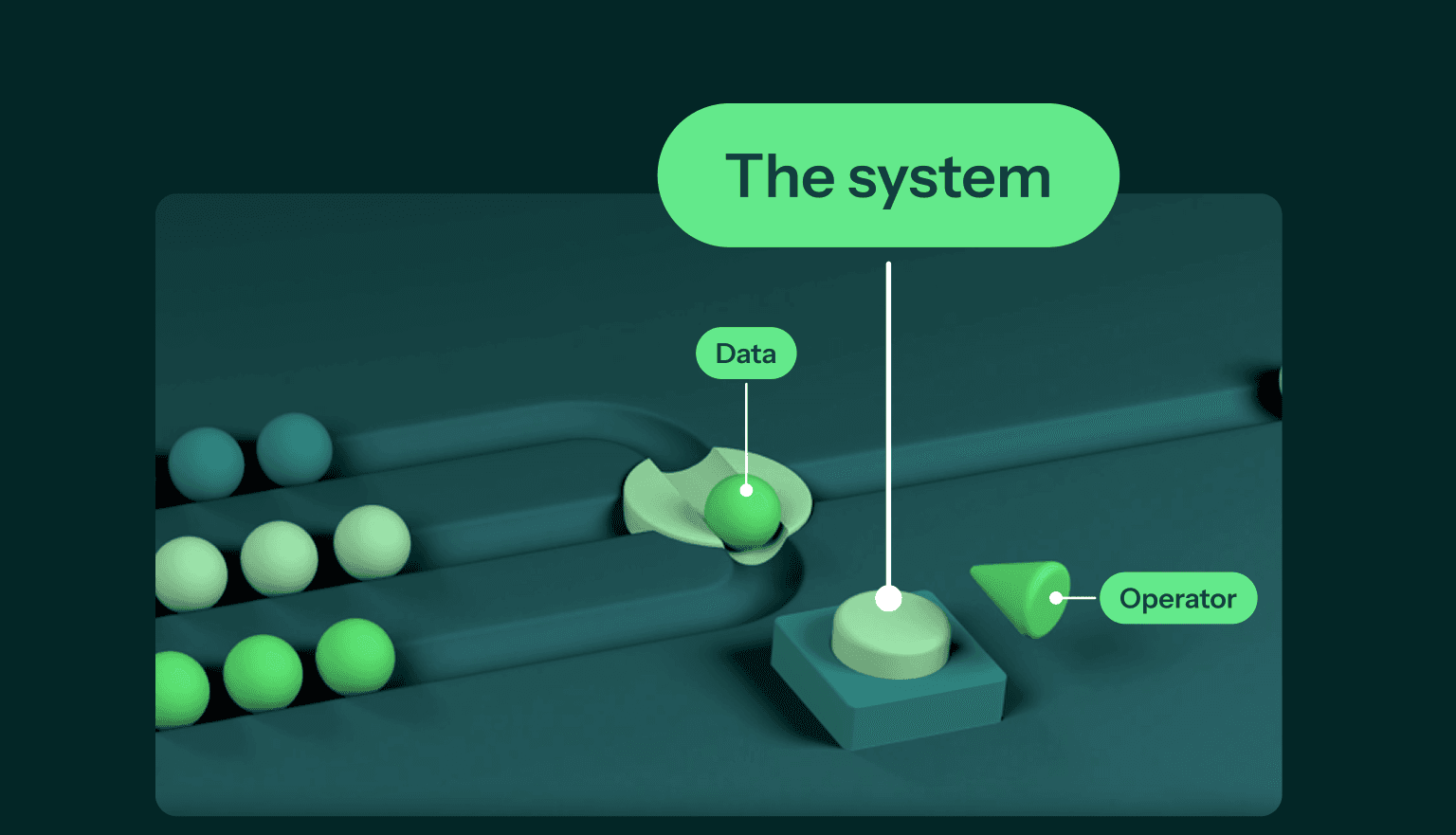
You can now add Labels directly to animation scenes within your Hyperframe.
Labels allow you to:
Highlight and explain key elements within a scene
Provide additional context without cluttering your core narrative
Link out to supporting content or resources
Best of all, Labels can be added quickly and seamlessly within the editor, making it easier than ever to guide your audience’s understanding at the exact moment they need it.